Enter password to view this page
Project Overview
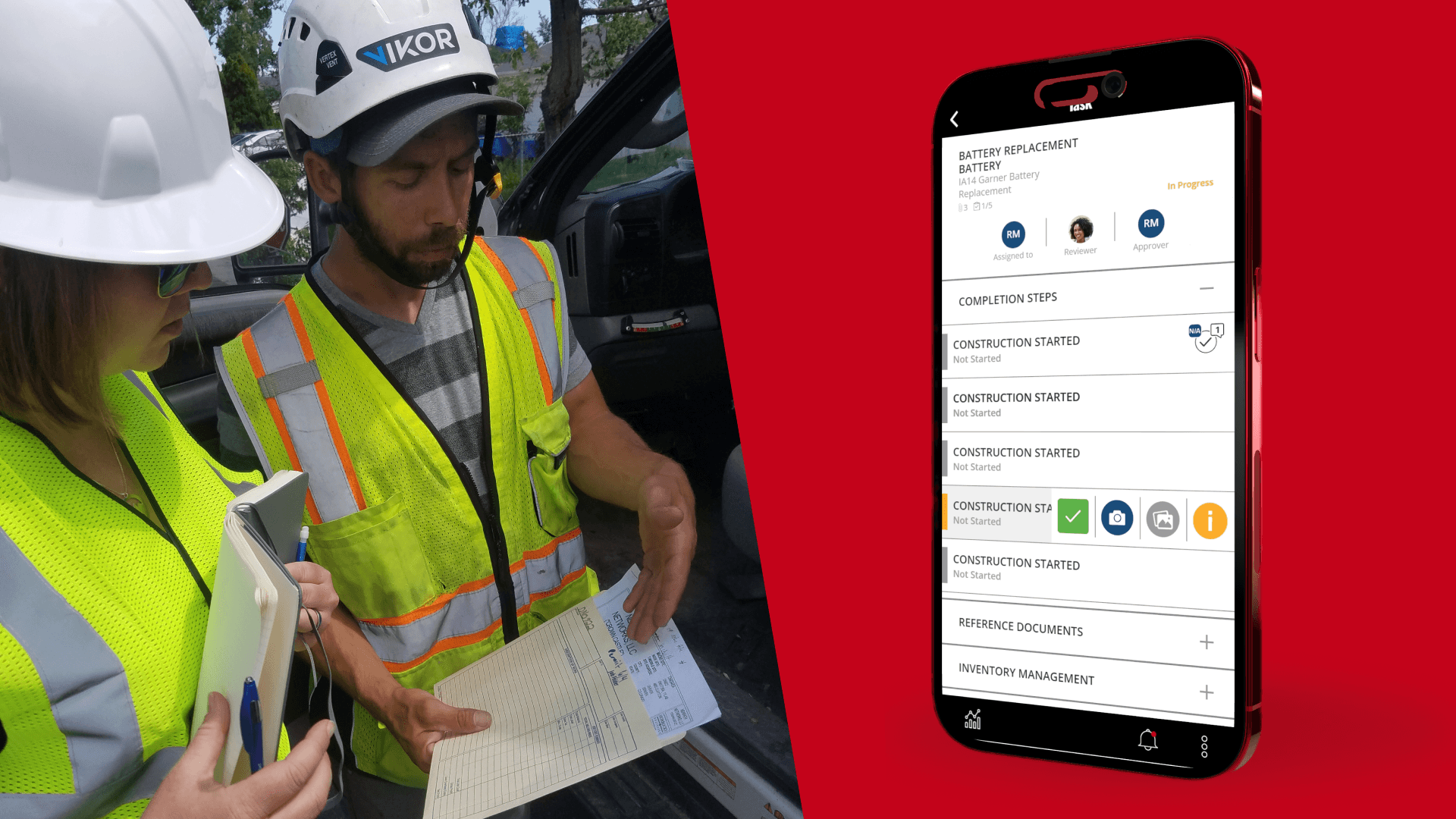
Our Challenge: Our core mobile interaction loop - reviewing a project, choosing a task, and completing it - was far too slow and cumbersome, especially for actively working telecom engineers. This caused users to put off project completion until home from fieldwork, lowering data quality and timeliness and rendering location metadata inaccurate.
What Success Meant:
50% adoption 2 months after release
Qualitative feedback in user interviews that "quick actions are allowing them to complete work"
Positive feedback from key internal stakeholder
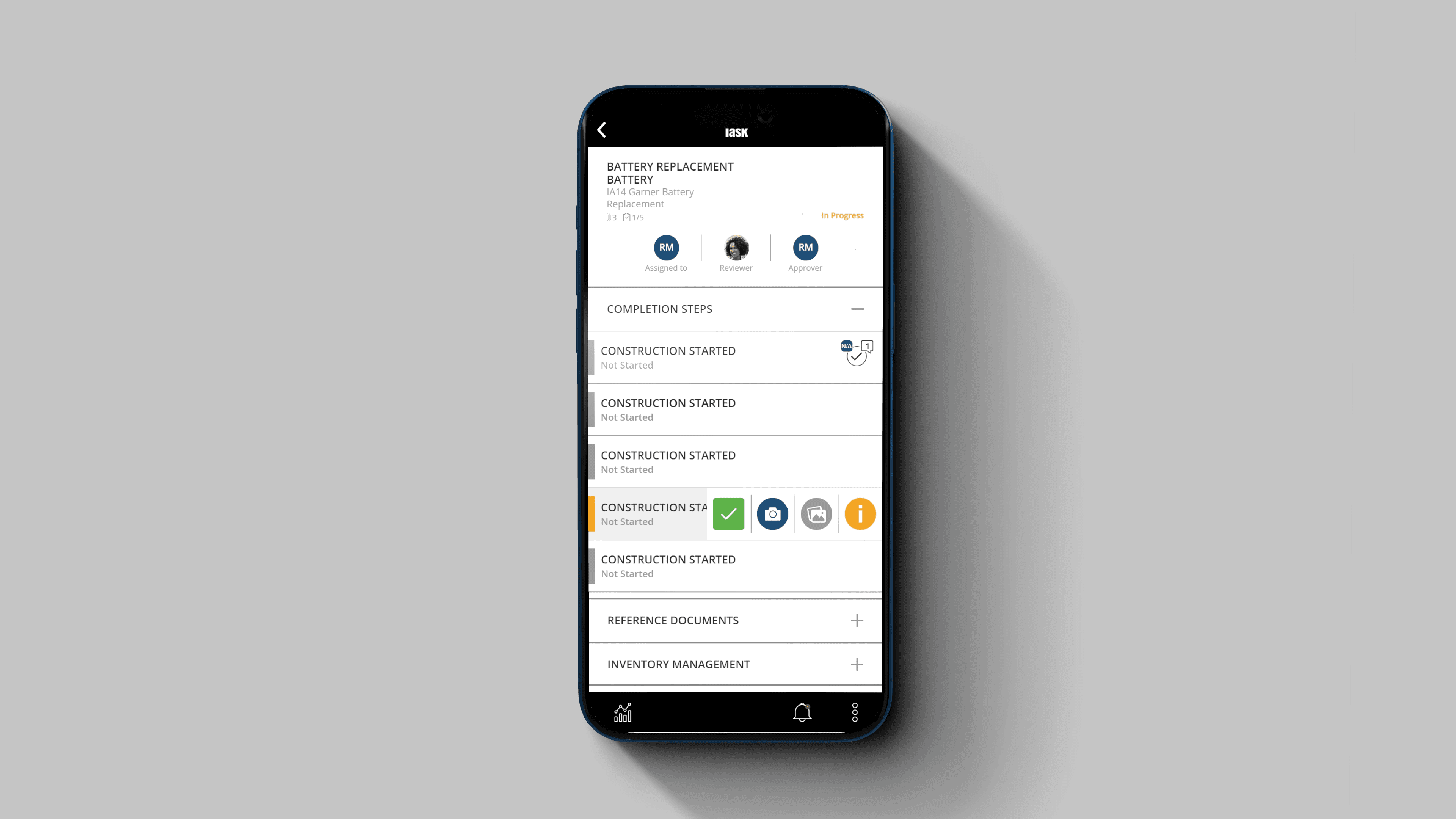
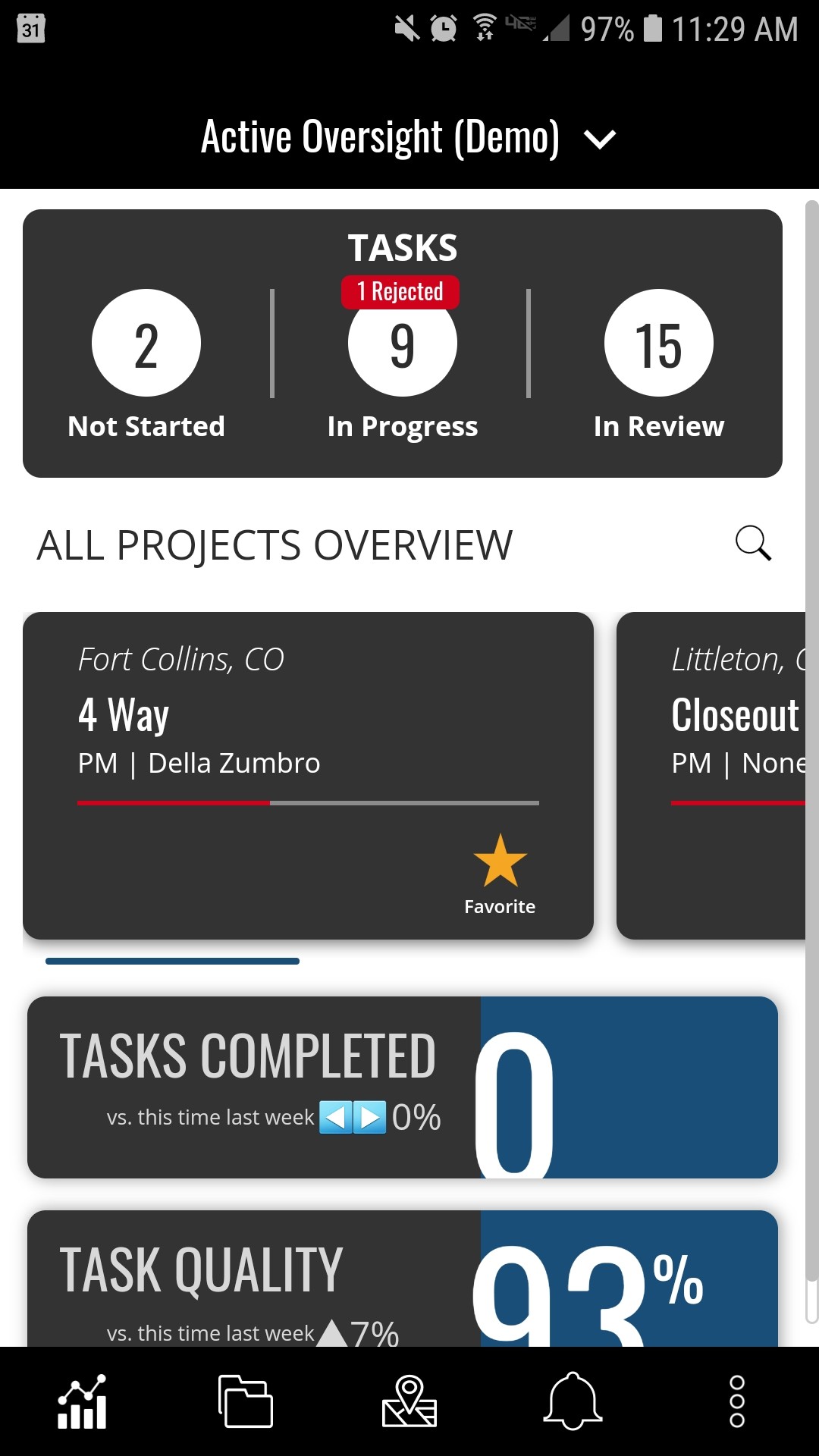
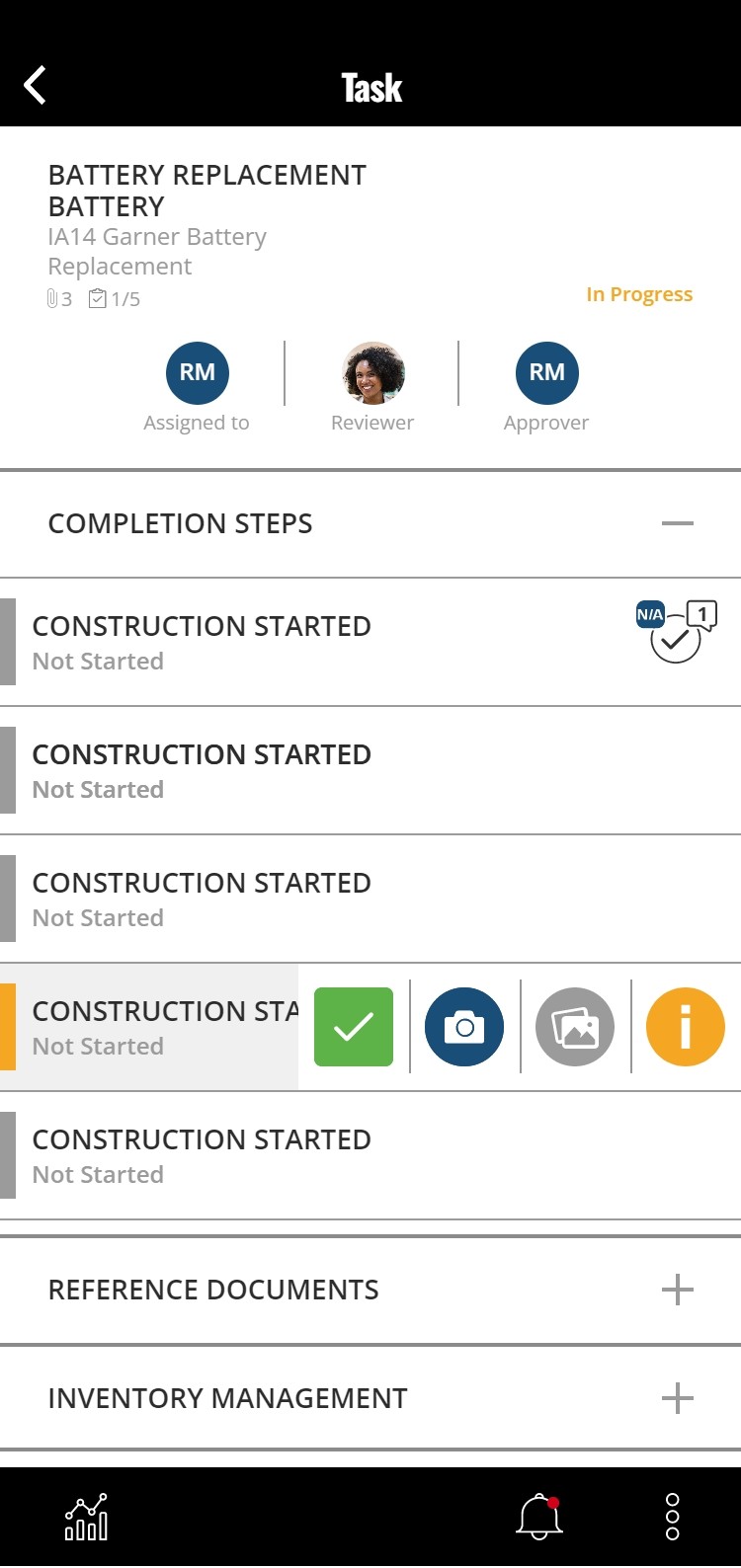
The Solution We Chose: Because we found out that users were frequently deferring completion of tasks until after they were home from the field, we biased strongly towards eliminating navigational tasks and providing, fast, 'one-handed' interactions. This lead us to creating the sliding QuickActions drawer component that could be used from from the list of tasks with one thumb.
Outcomes
By our chosen success metrics, this project was not successful! In part our metrics were poorly chosen and poorly supported, and that's a key learning from this case study.
However, the quality of our learning on this project was superb and we did allow us to discover two new key opportunities.

Discovery
Our Foundational Research
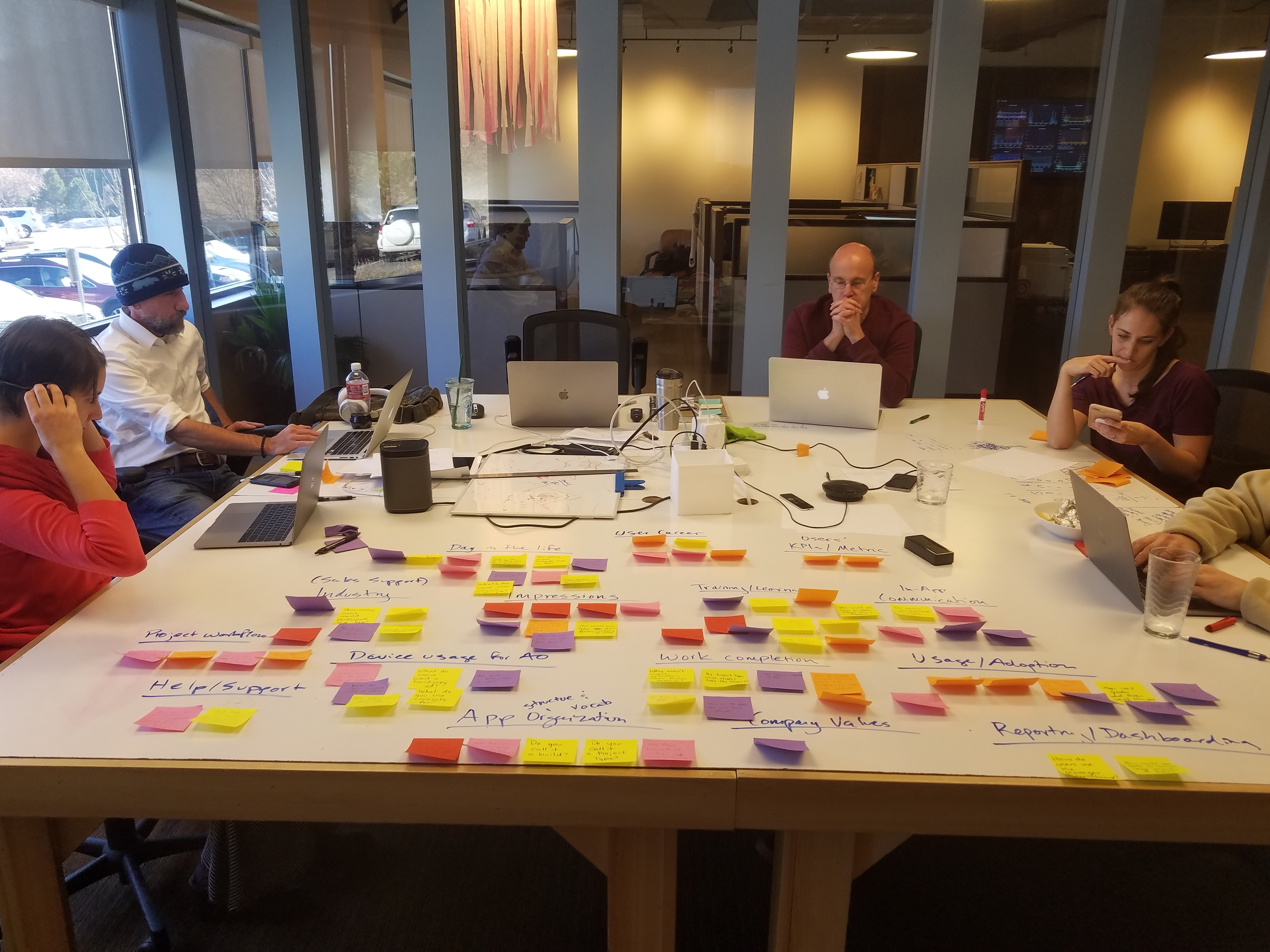
Thanks to an extremely robust ongoing research process that actively involved the entire startup - including the backend architects - we had very strong, directional research findings that inspired this roadmap feature:
Continuous user interviews
Periodic observed workflow testing
Previous user-inclusive design studios on project efficiency
Previous Google Design Sprint on reporting and analytics
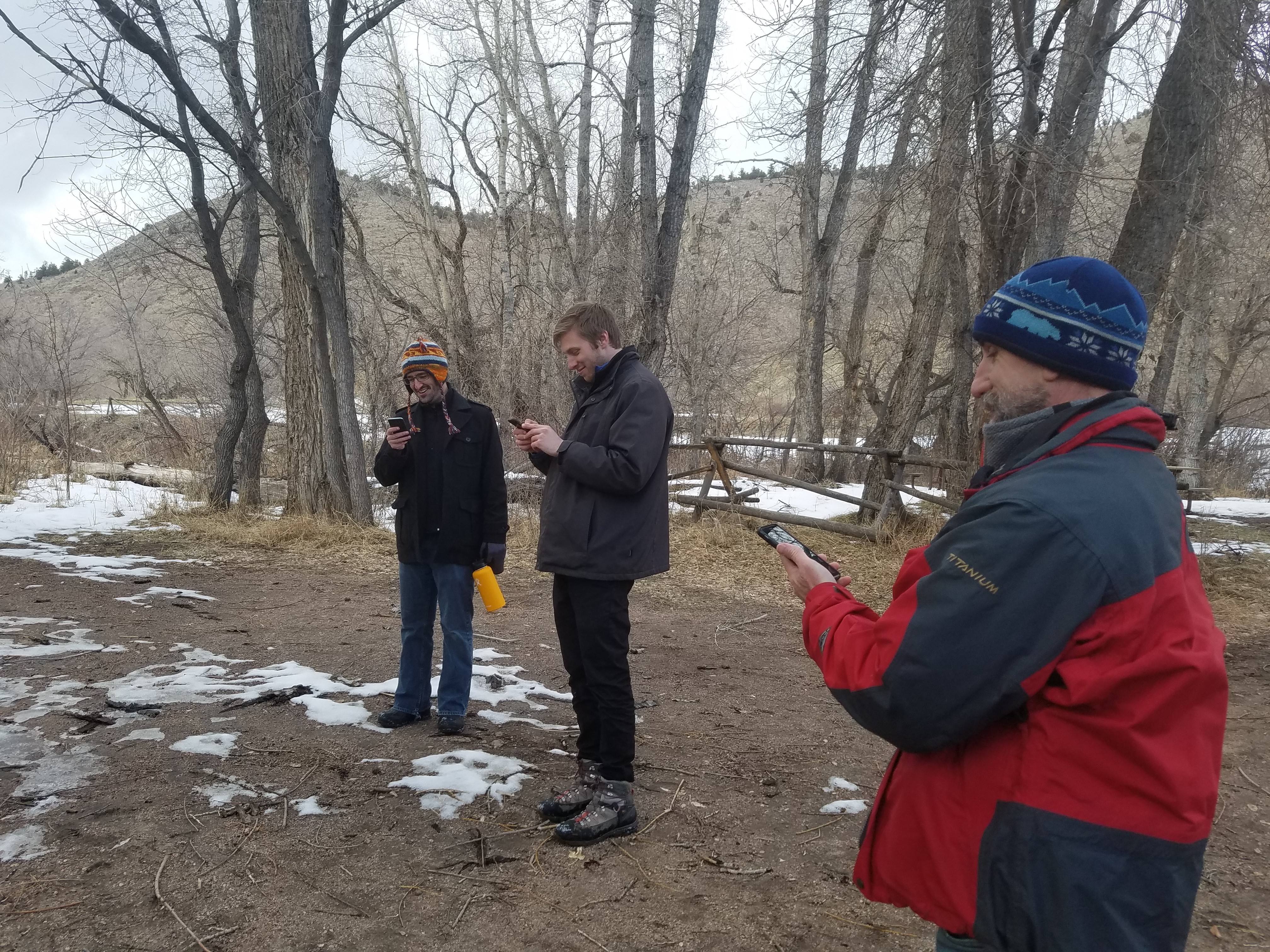
Internal field testing events
Our Product leadership identified this issue as being pervasive and severe enough to warrant another dedicated Google Design Sprint.
The Making Part
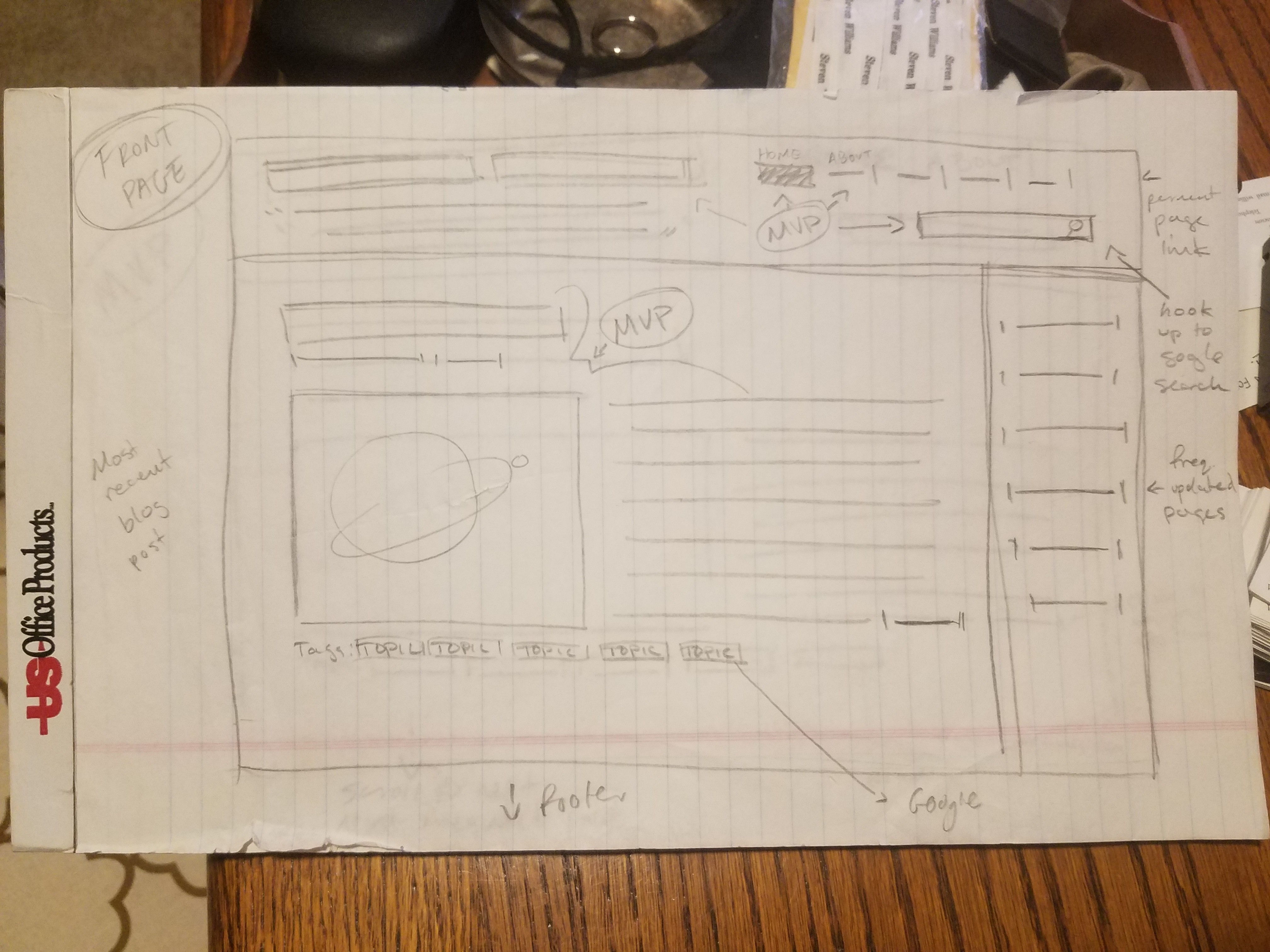
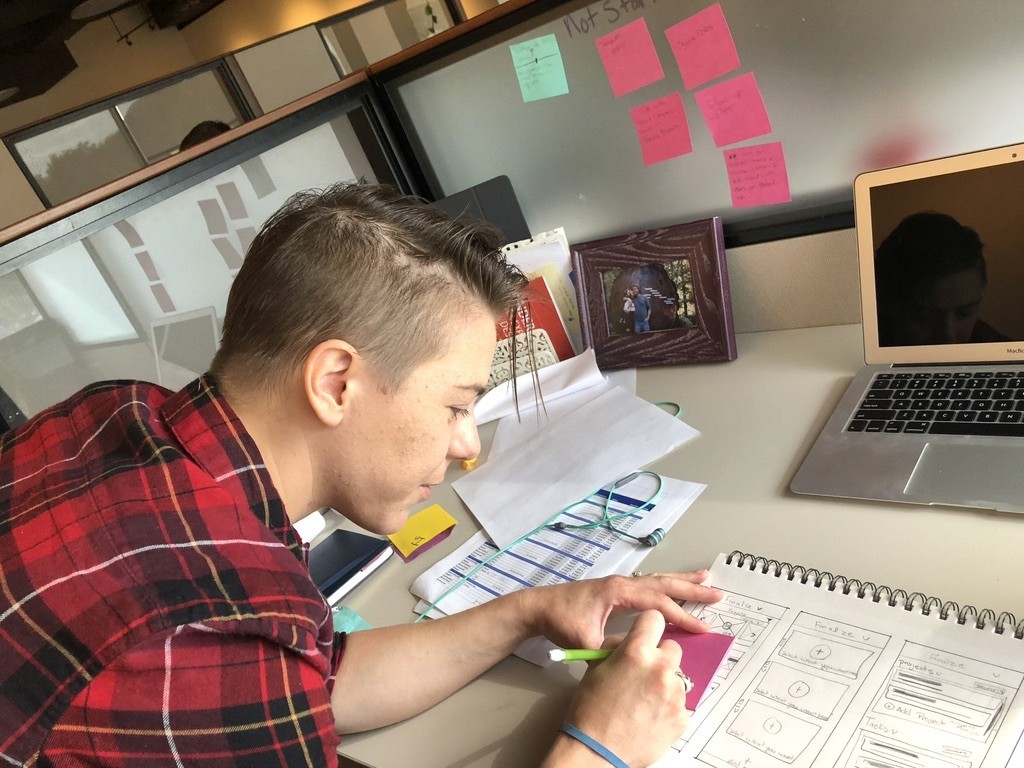
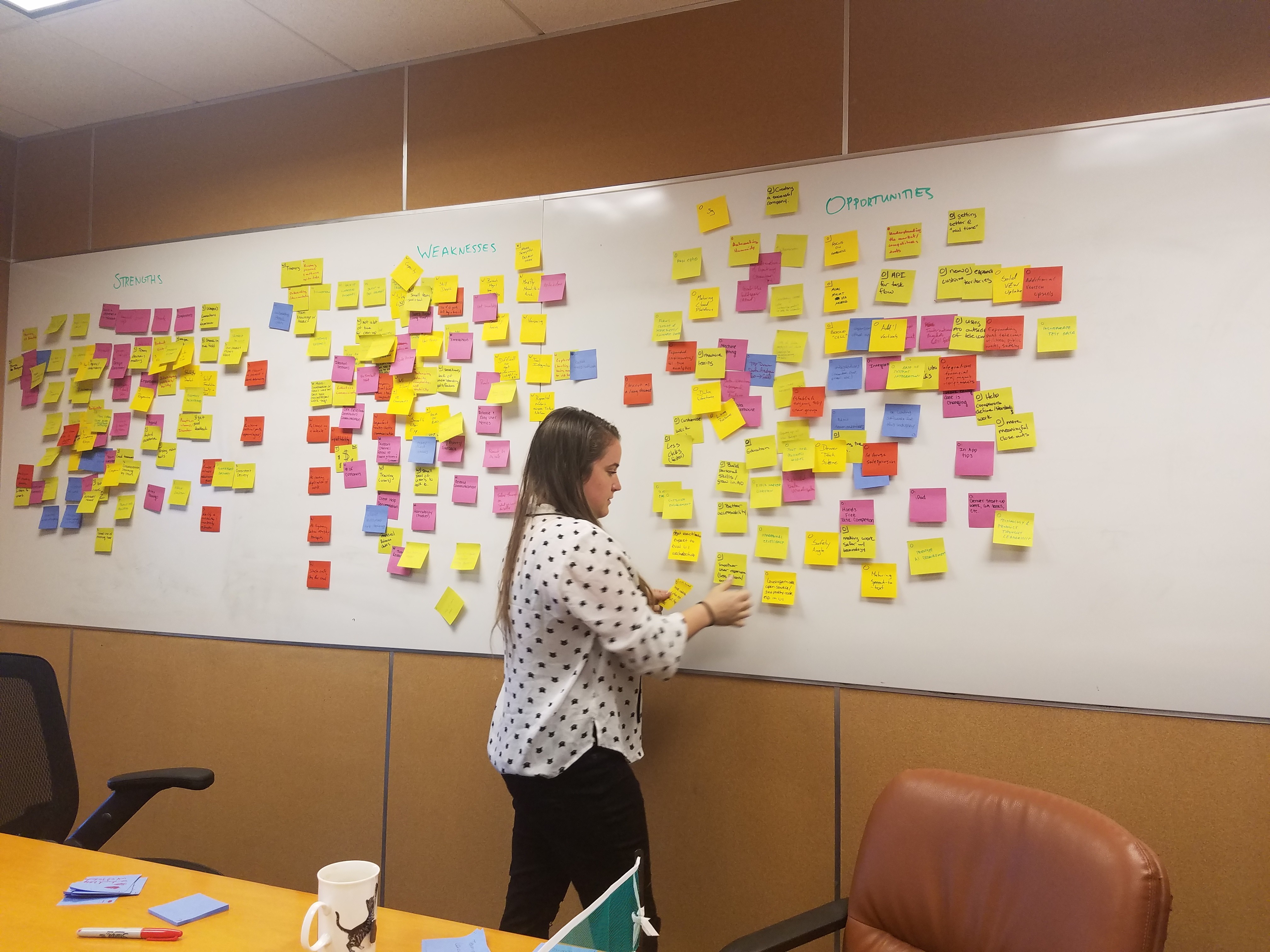
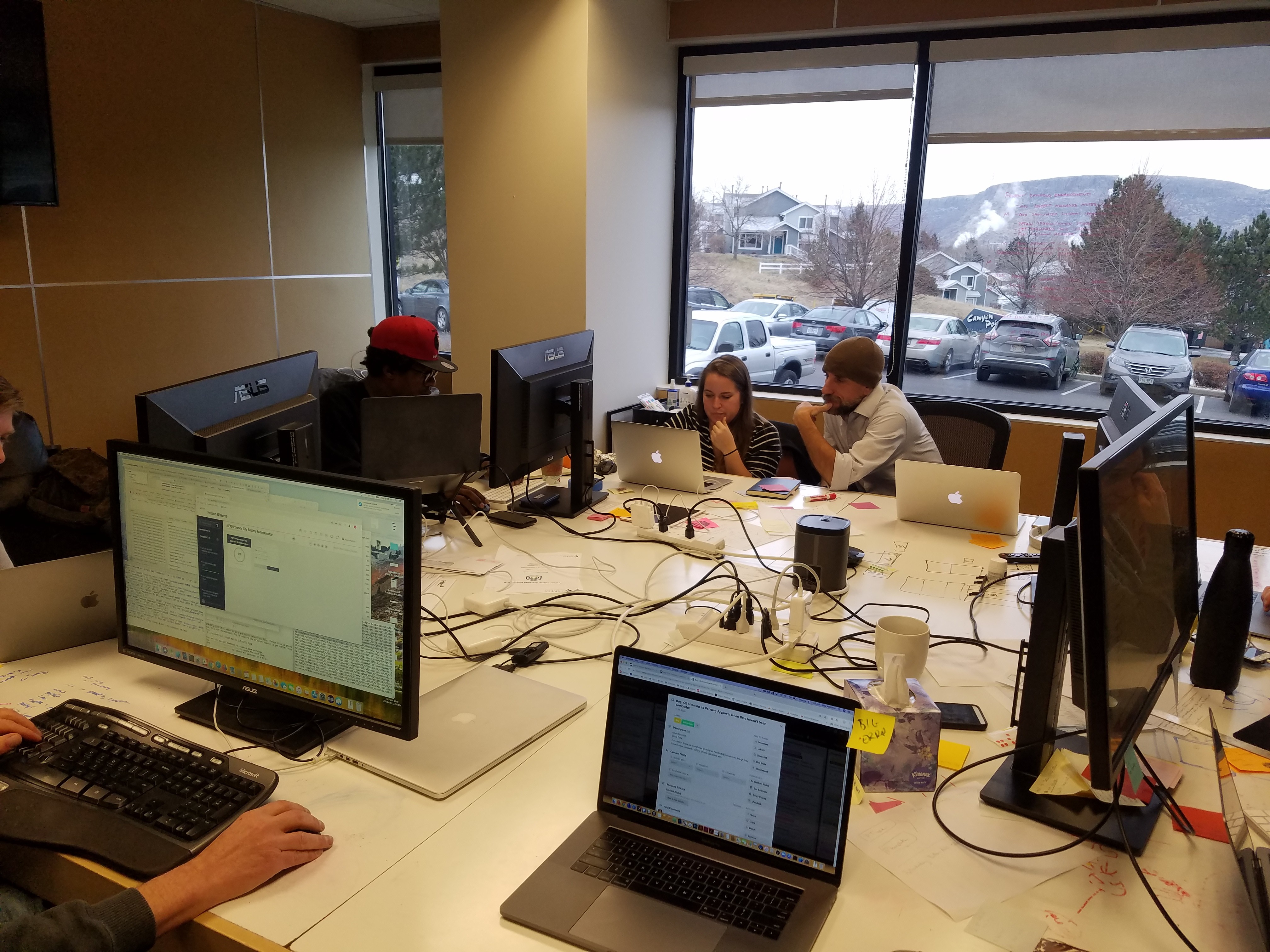
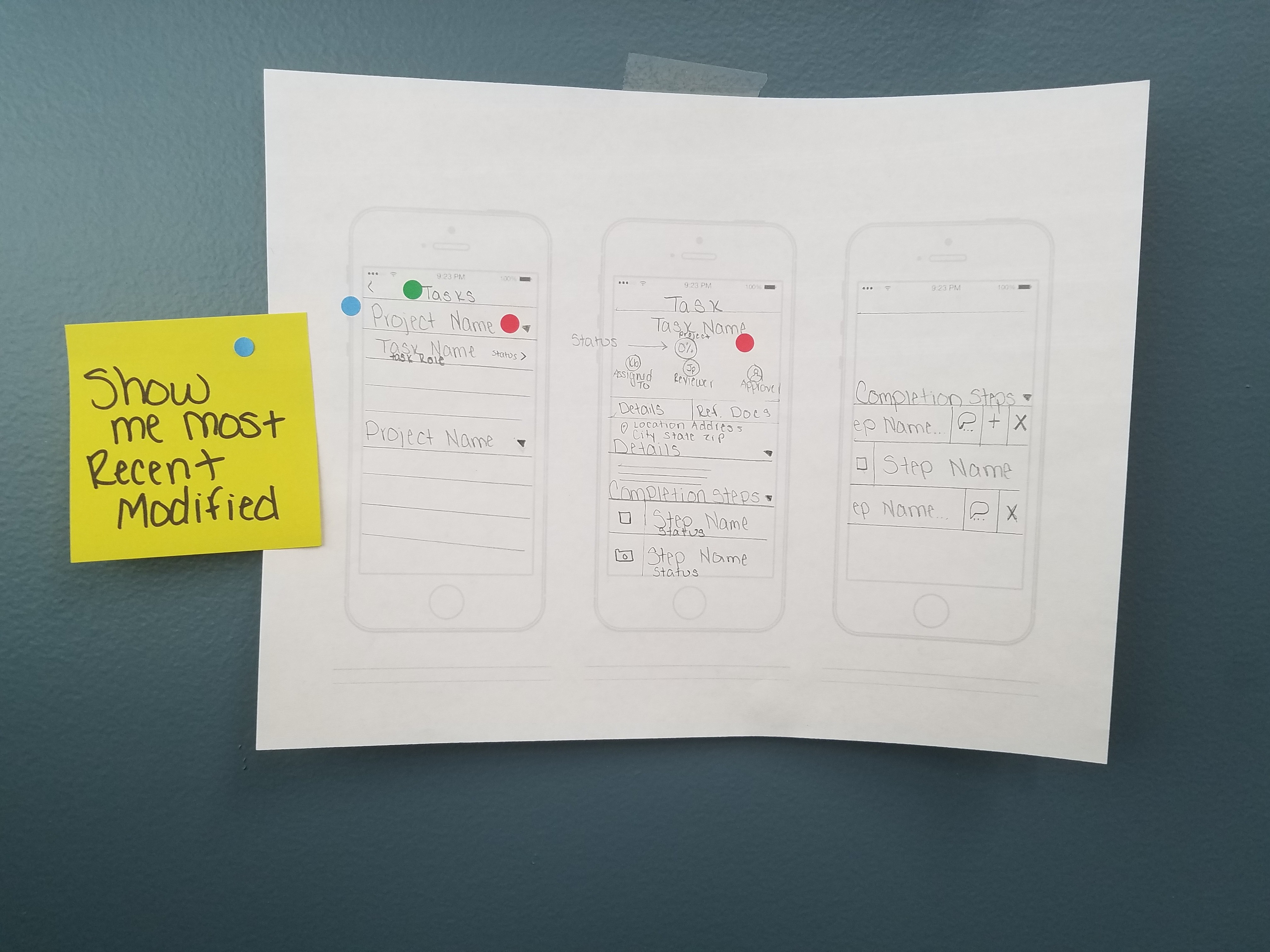
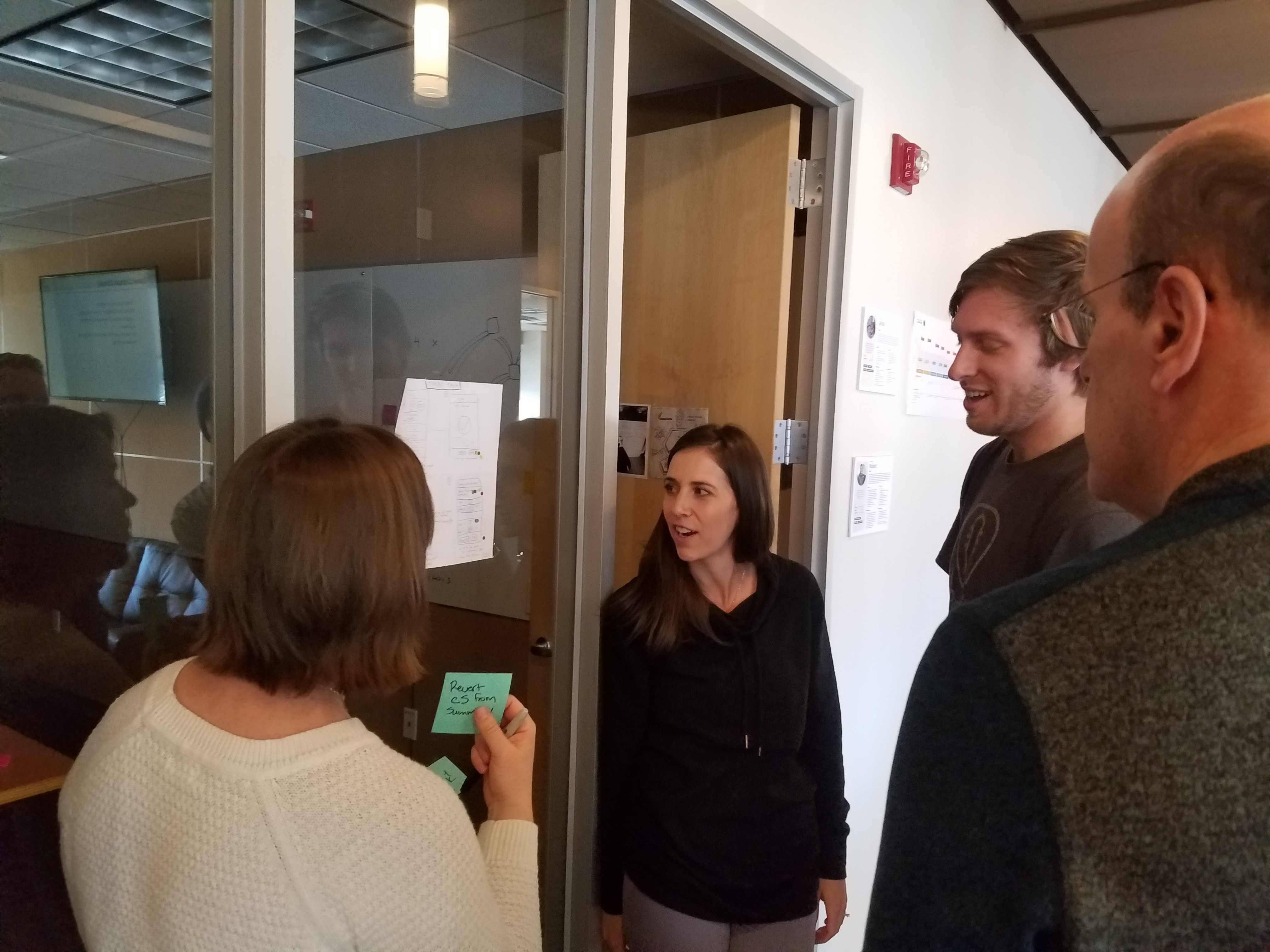
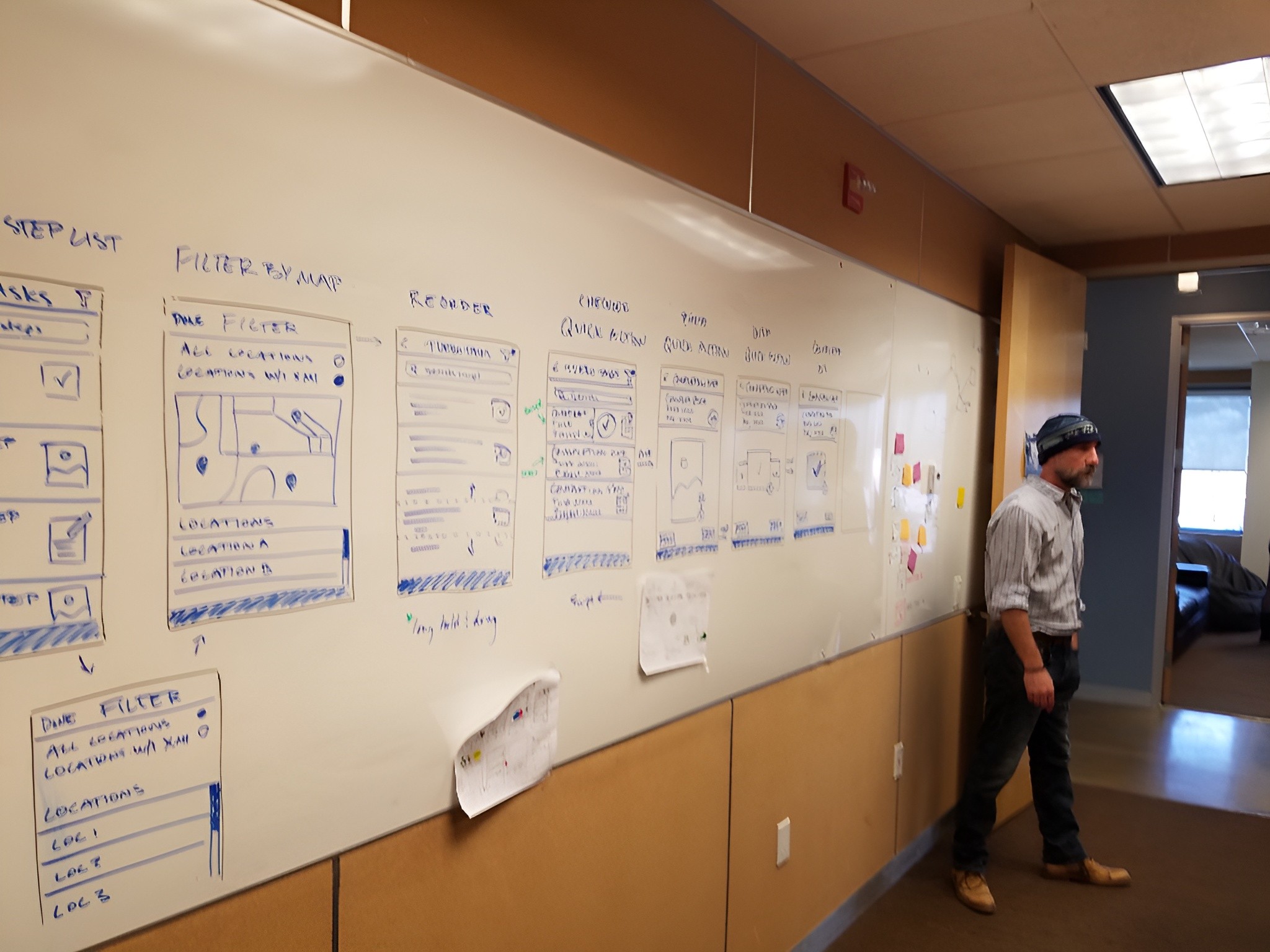
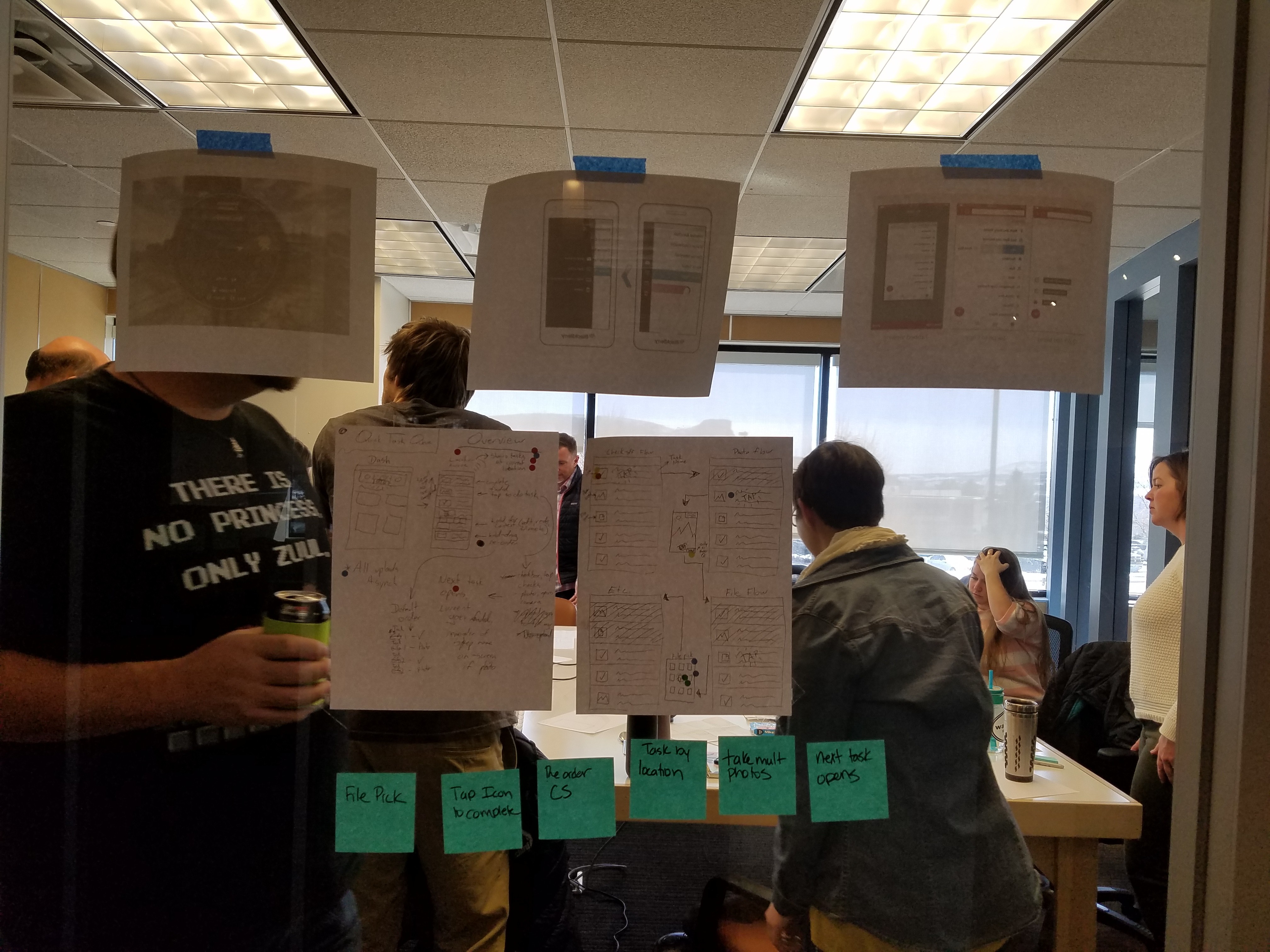
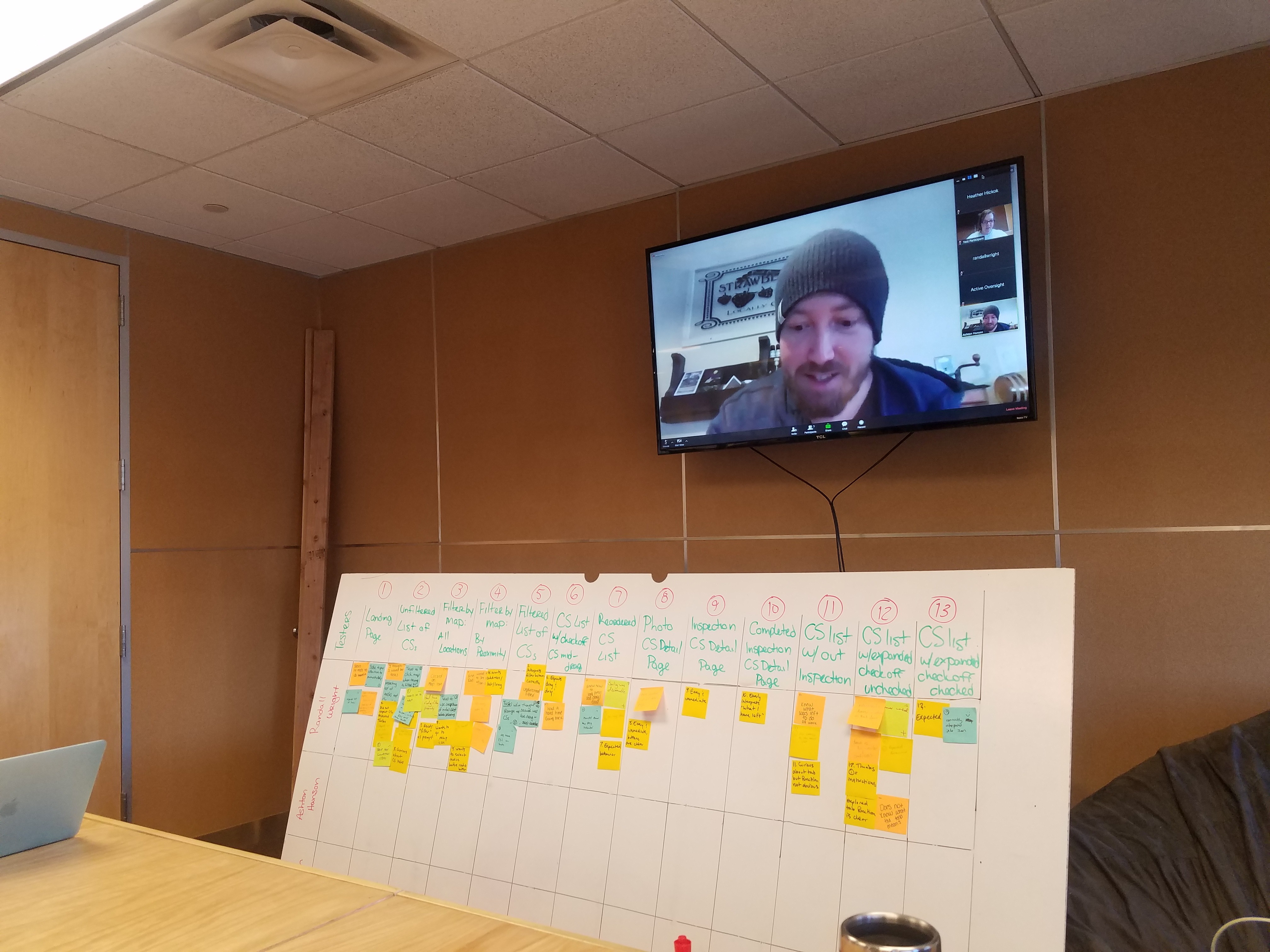
The bulk of pre-release work for Quick Actions was done in one intense Google Design Sprint - adapted to our 4-day work week, so it was extra intense! Run by our expert Product leader, and the originator of the 1-Day Design Sprint, Kimberly Gant, designers, engineers, and other team members worked shoulder-to-shoulder to create a prototype and test it for user fit in 4 days, as pictured above.
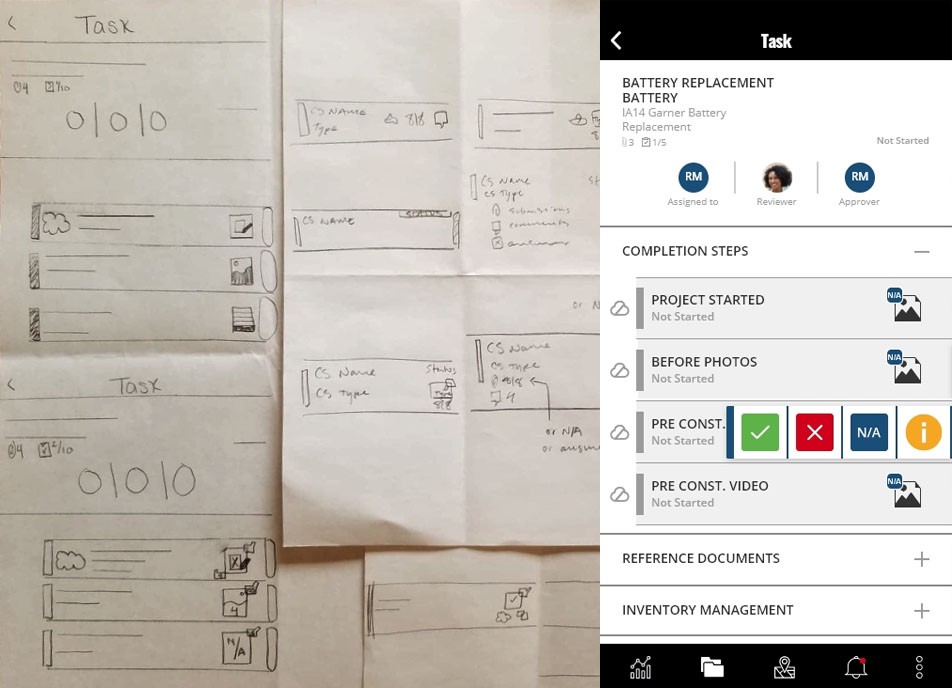
After the 'art gallery' on day 2, our solution was selected - a slide gesture-based quick actions menu on the task when viewed on the project task list. This would allow users to complete 80% of step types, the vast majority of their work, without excessive navigation and load times.
Key Tools
Running a Google Design Sprint accelerated to speed-to-prototype
Our deep user research practice was critical in identifying this opportunity
Mobile-first design practices helped reduce clutter and focus on user action
Prototype Testing and Field Observations
We tested our prototype with 5 users on the final day of our design sprint, with every participant taking prototype notes not just on actions taken and verbal feedback, but details that revealed deeper experiential insights like body language, hesitation, and excitement.
We found we needed:
A clear training moment, since the drawer was visually subtle
Interaction design and CTA clarity polish
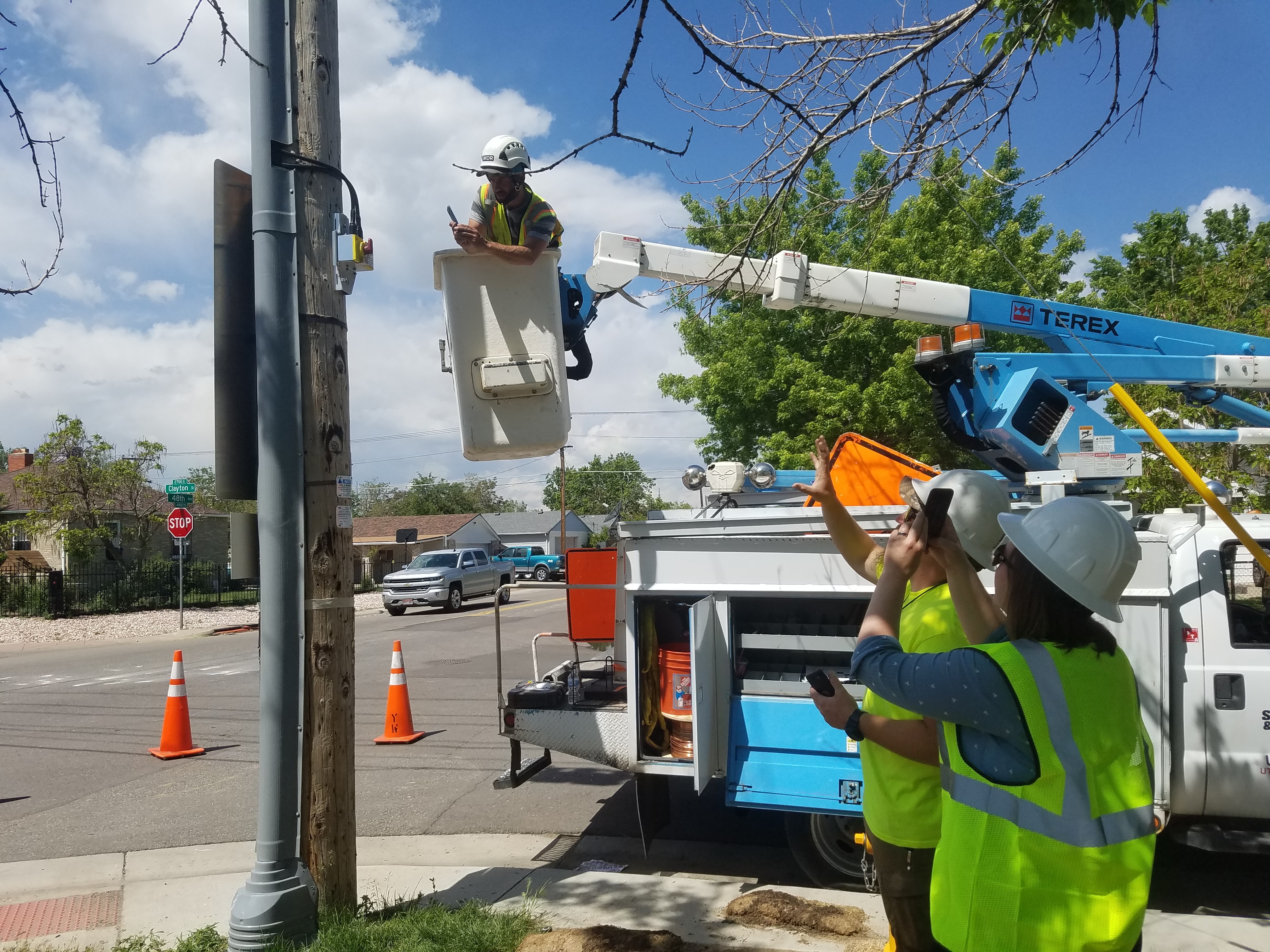
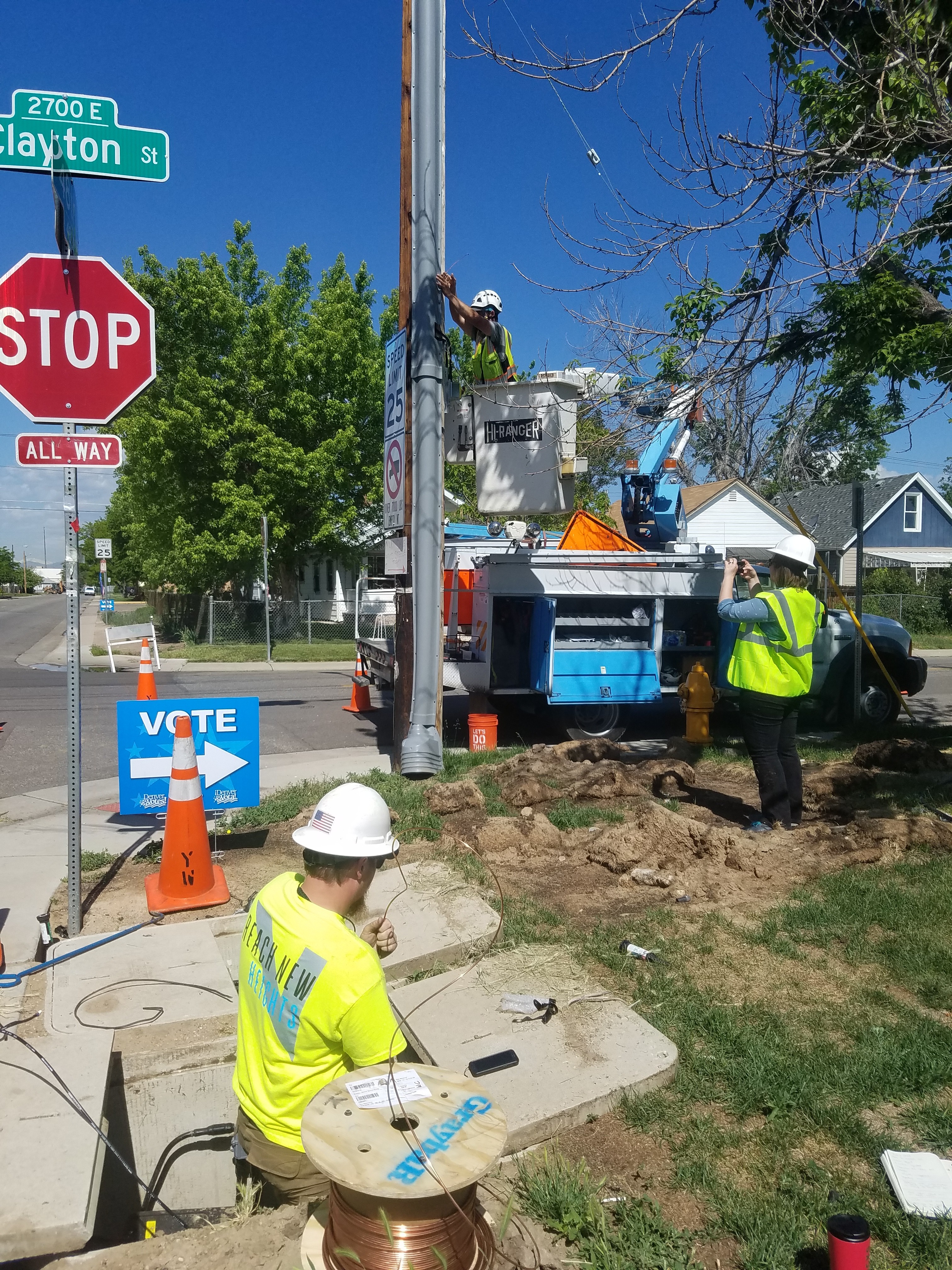
After launch, we observed real users on site using the application. This was a classic user behavior epiphany moment - the kind you can only get by really connecting to the users and their challenges.
Our users struggled to see their phones in the bright sunlight (we needed larger type and higher contract on the tasks UI!) They also struggled to interact with their phones while operating heavy machinery and tools and wearing thick gloves (we needed better mobile touch targets and…what about a hands free mode??).
Iterative Refinement
After the design sprint, my co-designer and I worked to move all our prototype work to production-quality assets and worked to close edge and corner cases.
Our key challenge here was avoiding color, copy, and iconographic noise while still providing users a visual language to interact with tasks. We needed this icon language to give users a great deal of immediate information about the contents and state of a task on just one line of their UI - a huge challenge!
We also needed a way to train users on this new feature - again, without the use of language - in a quick, memorable, and elegant way. An animated, directional 'interaction hint' provided a solution that was intuitively self-training while remaining unobtrusive.
Launch and Beyond
We launched on April 10th, 2019, on iOS and Android.
Measuring Our Success
By our original KPIs, we were not successful!
50% of users are using quick actions to complete at least one of their tasks 2 months after release - failed! 23%
When interviewed, most field users who have used quick actions to complete CS report that quick actions are allowing them to complete work - mixed!
When Quick CS Actions is presented to key stakeholders they are delighted - failed!
However, this project was actually very successful in other ways. What I learned from this disconnect is the importance of properly forming truly representative success metrics.
Finally, by observing the use of this in the field, we identified two critical future enhancements:
Larger and higher contrast mobile UI for tasks
Hands-free mode
Hands-free mode started development the very next quarter!
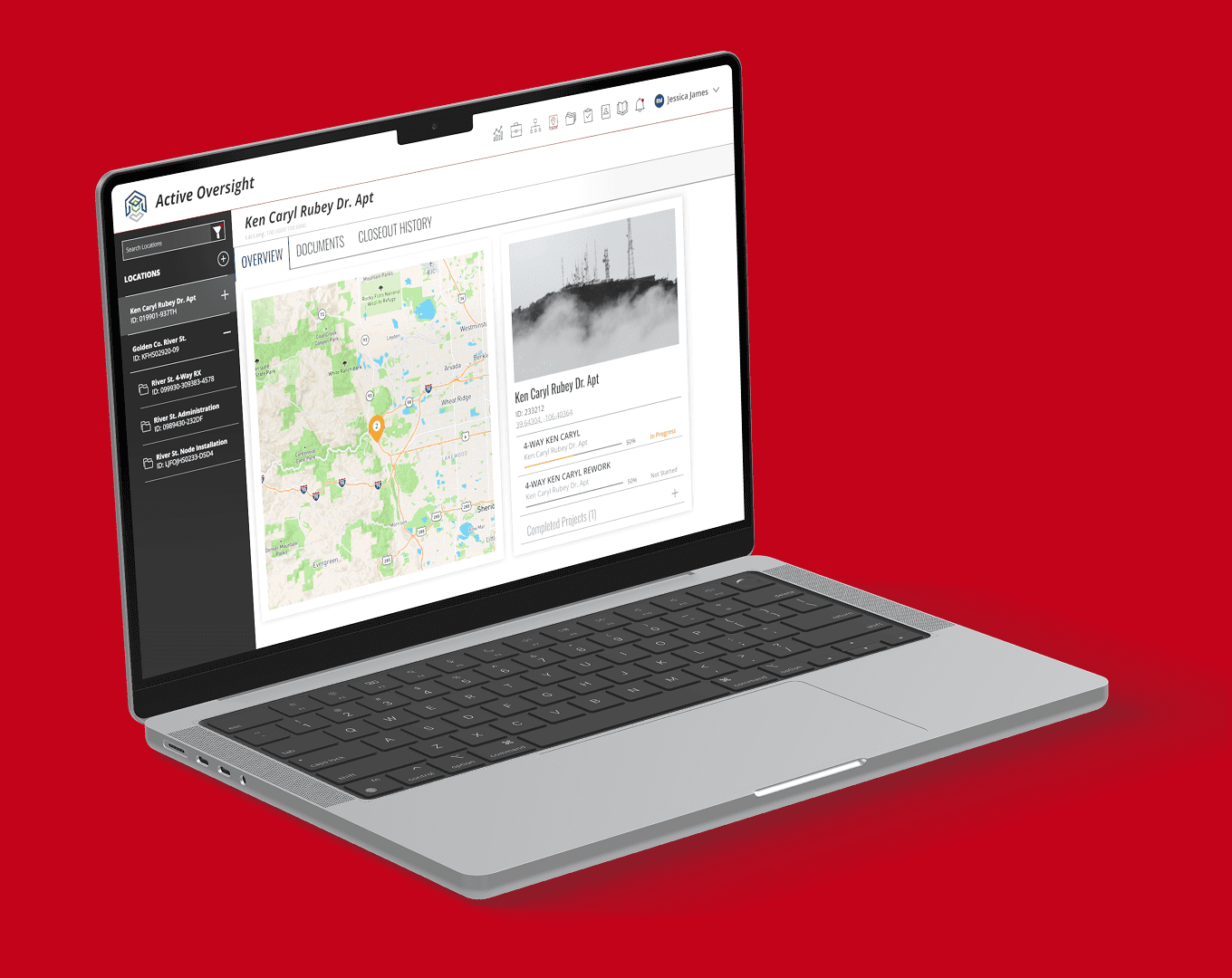
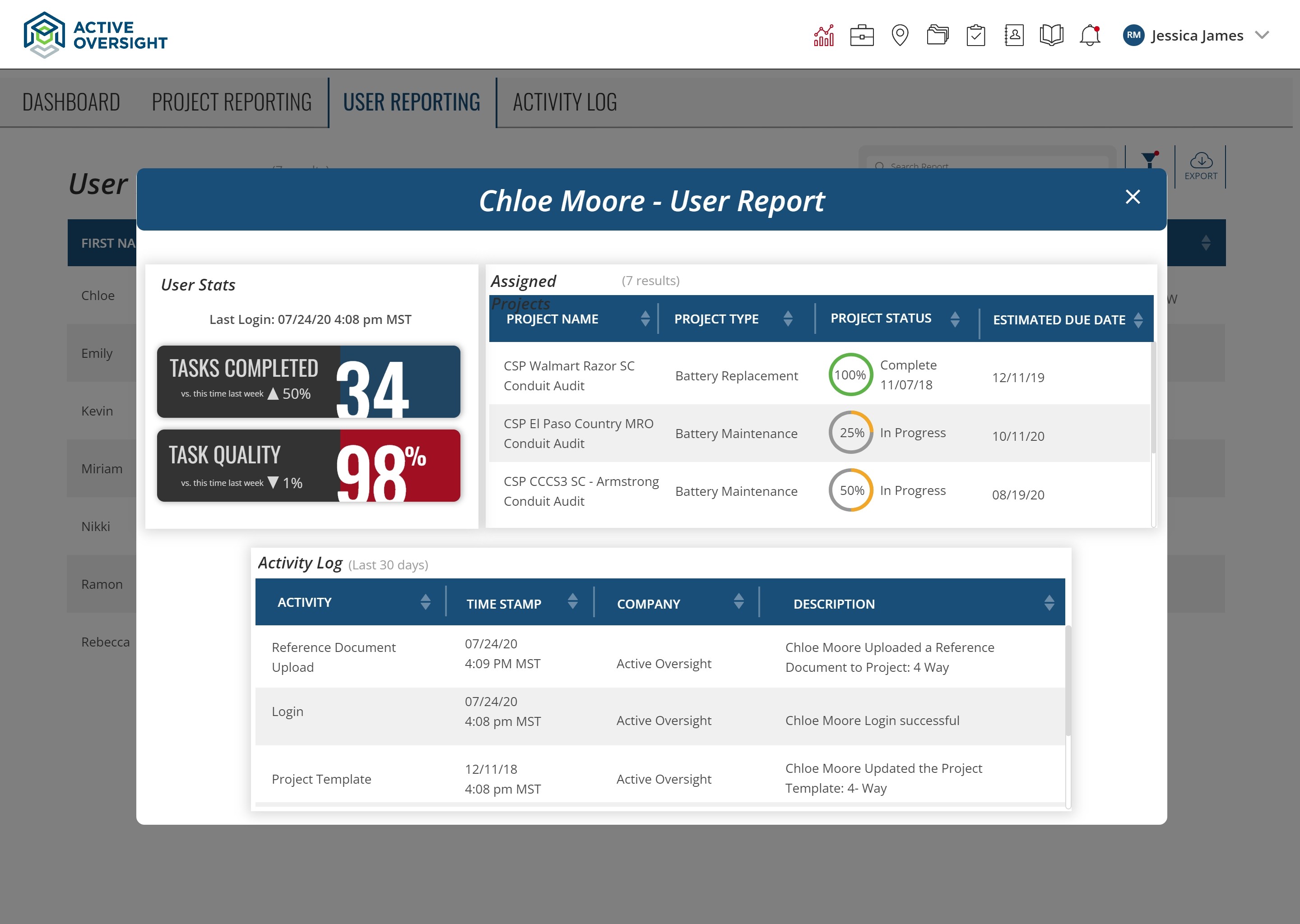
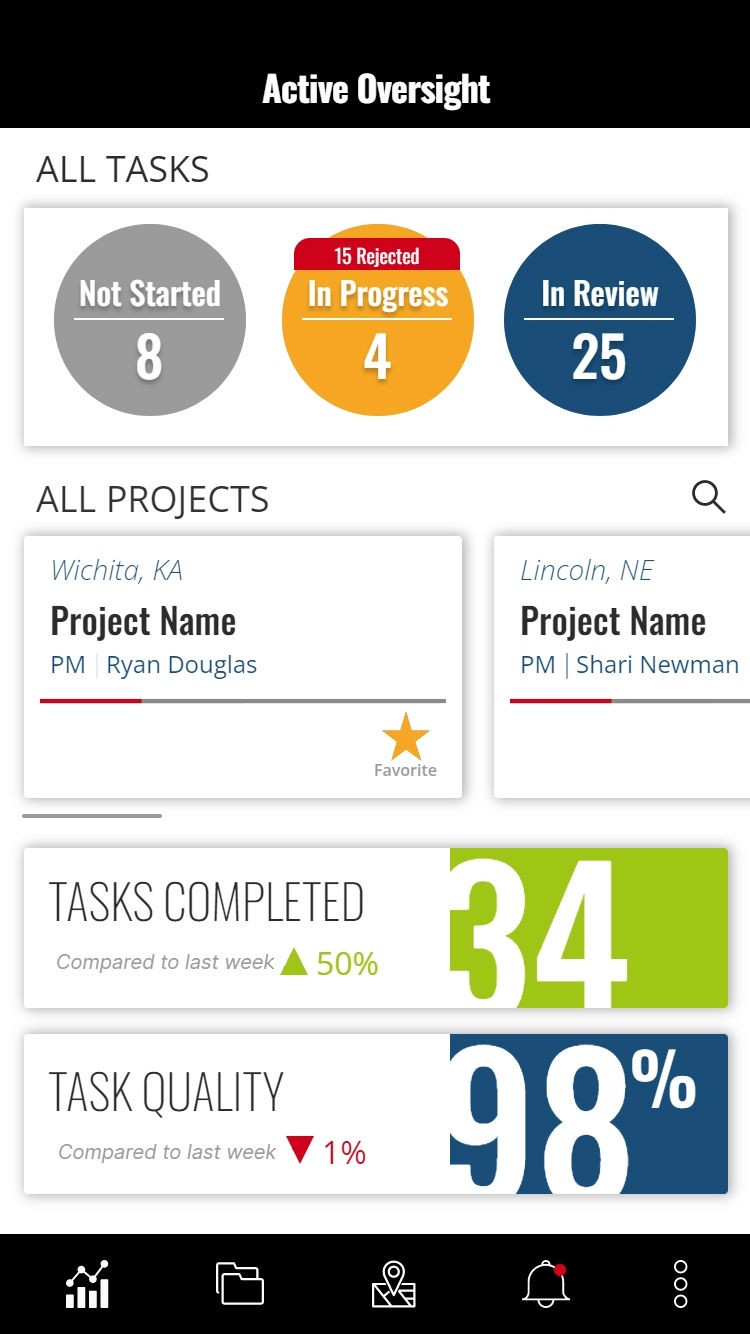
Finally, the reduction in time-to-completion and post-fieldwork completion had a huge potential to positively impact the accuracy and adoption of a number of web app functions, but we did not measure these effects:
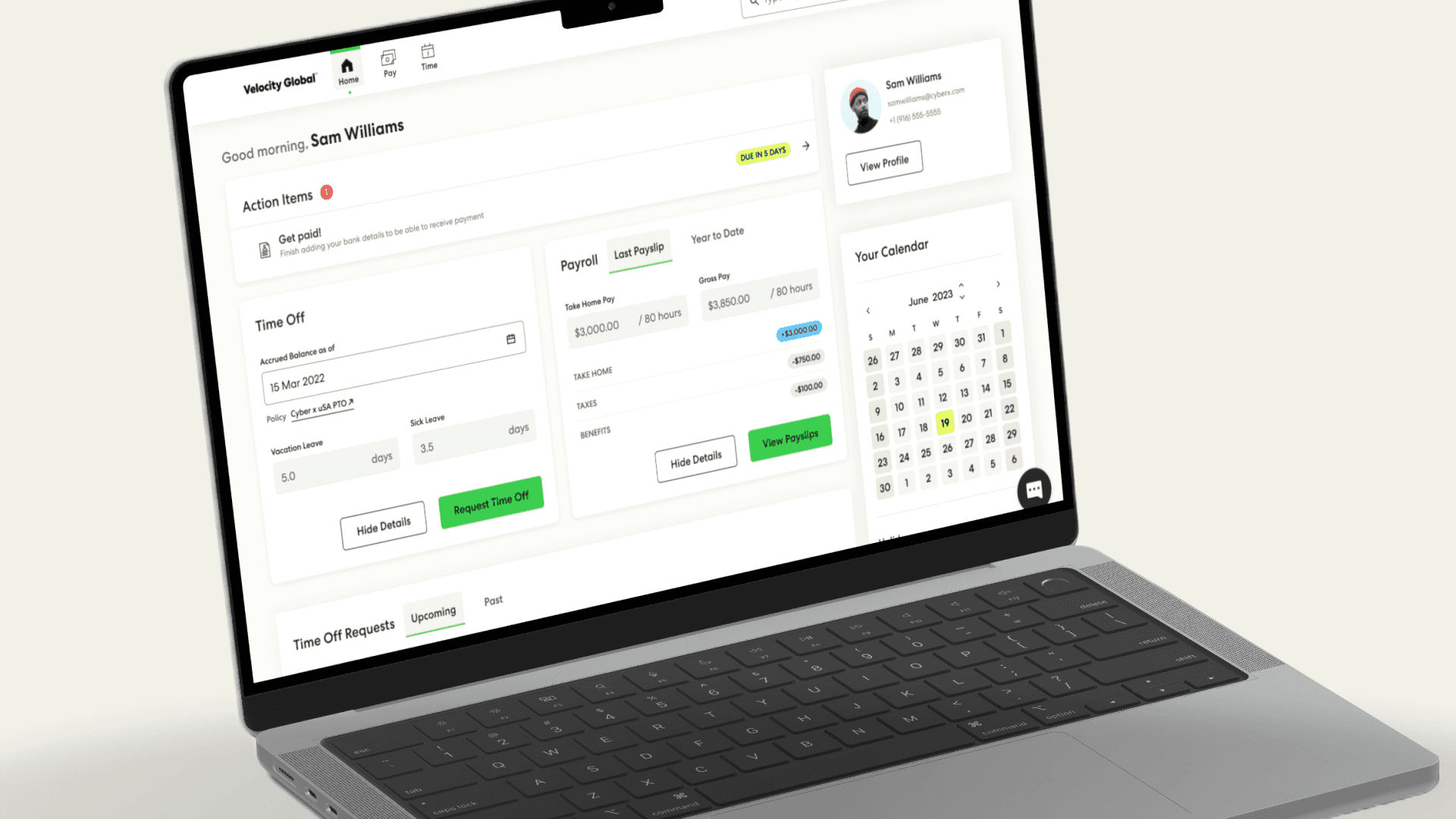
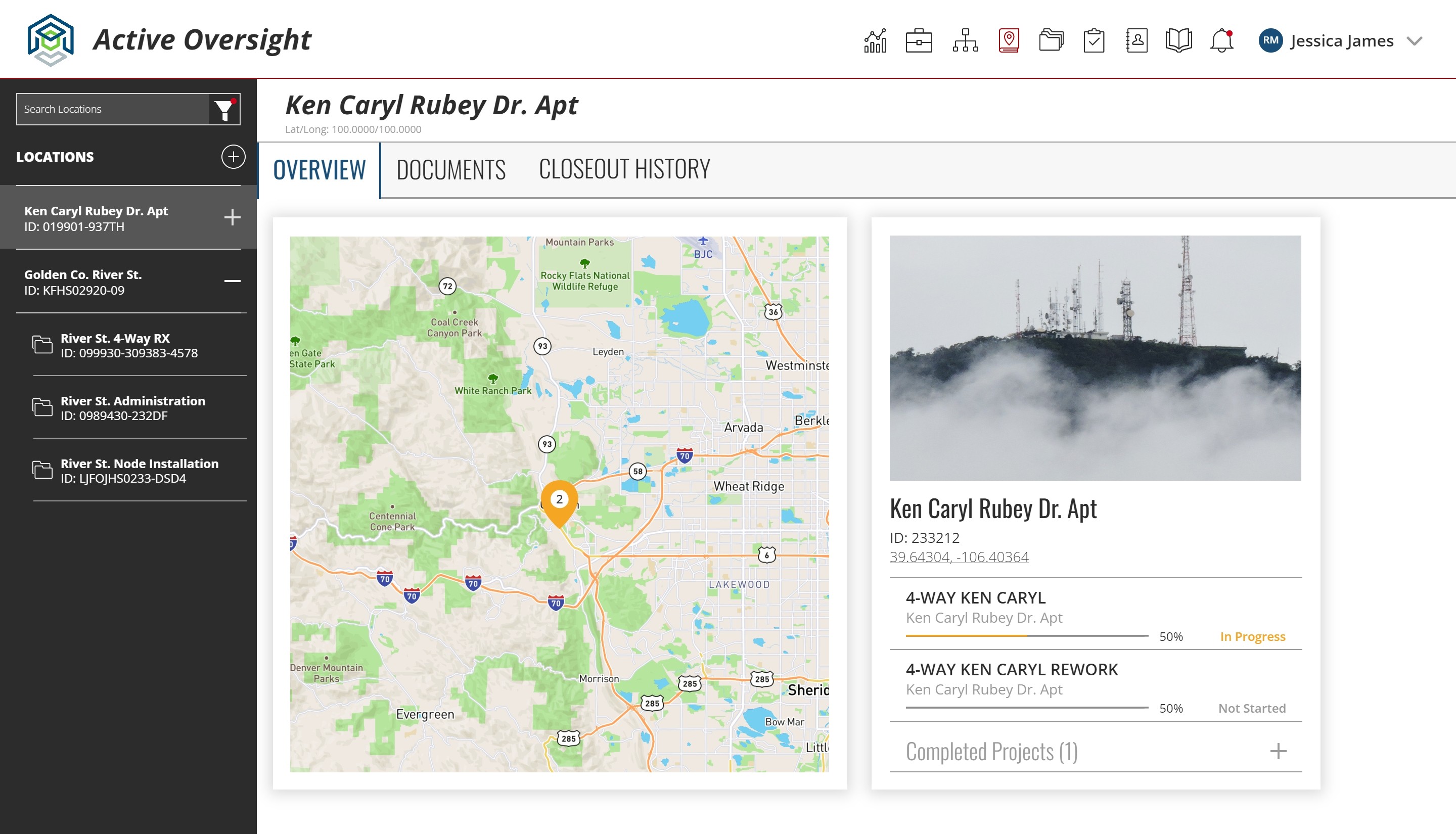
New Project Dashboard
Project Analytics
User Activity Reporting
You can see these three features below.
What I Would Do Differently
Because of the depth of research and our compressed and focused design process on this project, it was full of learnings for me. Even now (in the year 2025!) I come back to this project as a triumph of process and a failure of measurement. Here's what I would do differently now:
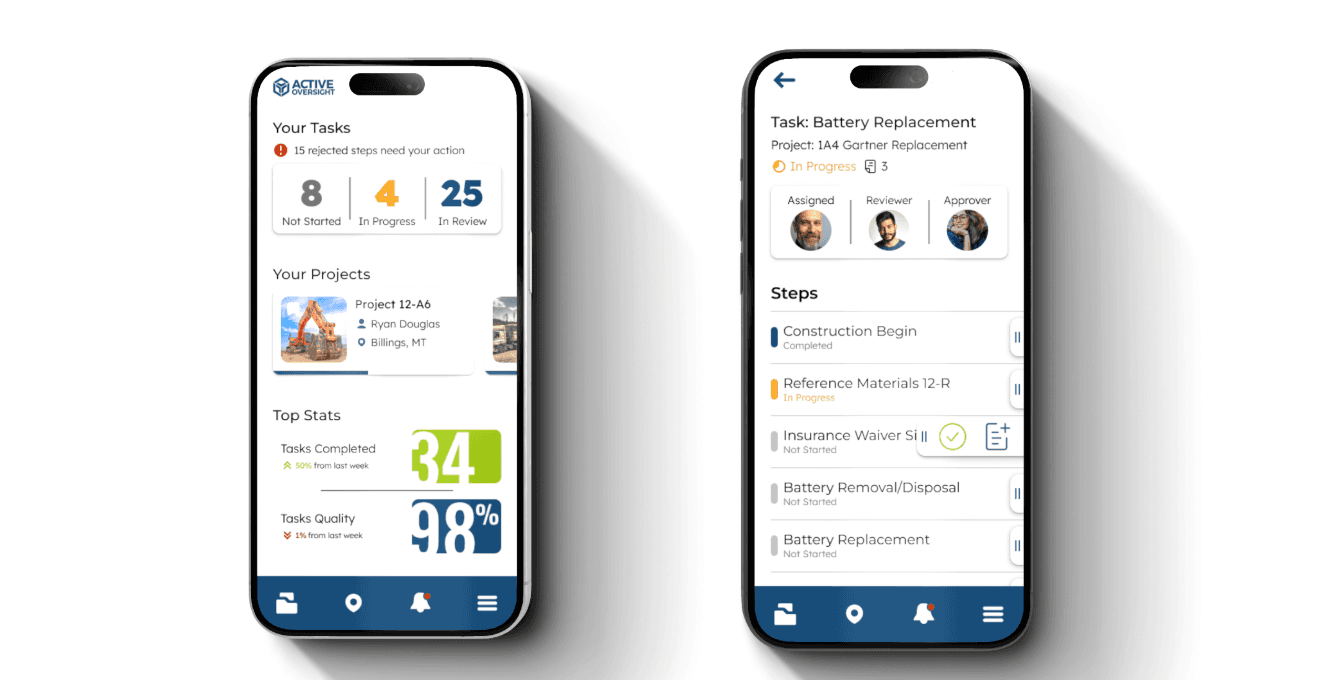
More Opinionated UI: we needed stronger, pushier training and we needed to incentivize adoption with a strong visual hierarchy centering the QuickActions feature
Focus on the Action: I would strip everything out but two affordances: Complete and Go To Task. No details, no comments, no notes - all of that can go in the detail view.
Visual Clarity: I would move away from color language and even iconography because it proved so hard to discern in the strong sun of fieldwork. I would rely on consistent and large touch-targets and a high contrast between interactive elements and whitespace.
Measure Better: I would select one adoption KPI, one speed-to-completion KPI, and one qualitative affect KPI, and I would measure them 90 days after launch due to our smaller user base at the time.
I would also have a totally different UI design approach. Here's how this feature would look if I designed it today:
Want a Peek Behind the Curtain?
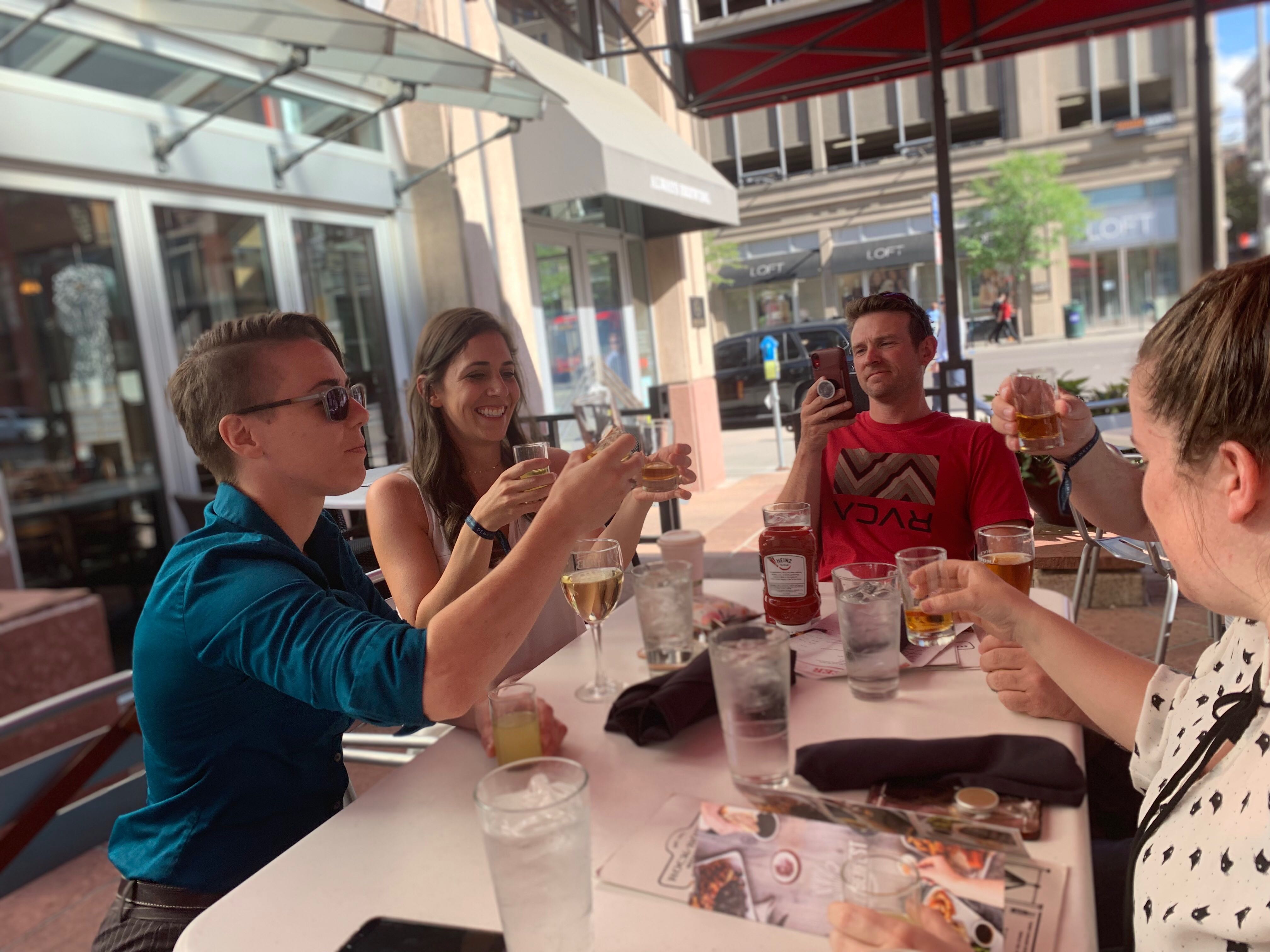
Check out these 'making of' pictures that capture our process, collaboration, and fun!